
LLM Wiki for Papers
See how the papers in your research area fit together, in a wiki that stays current as you add more.
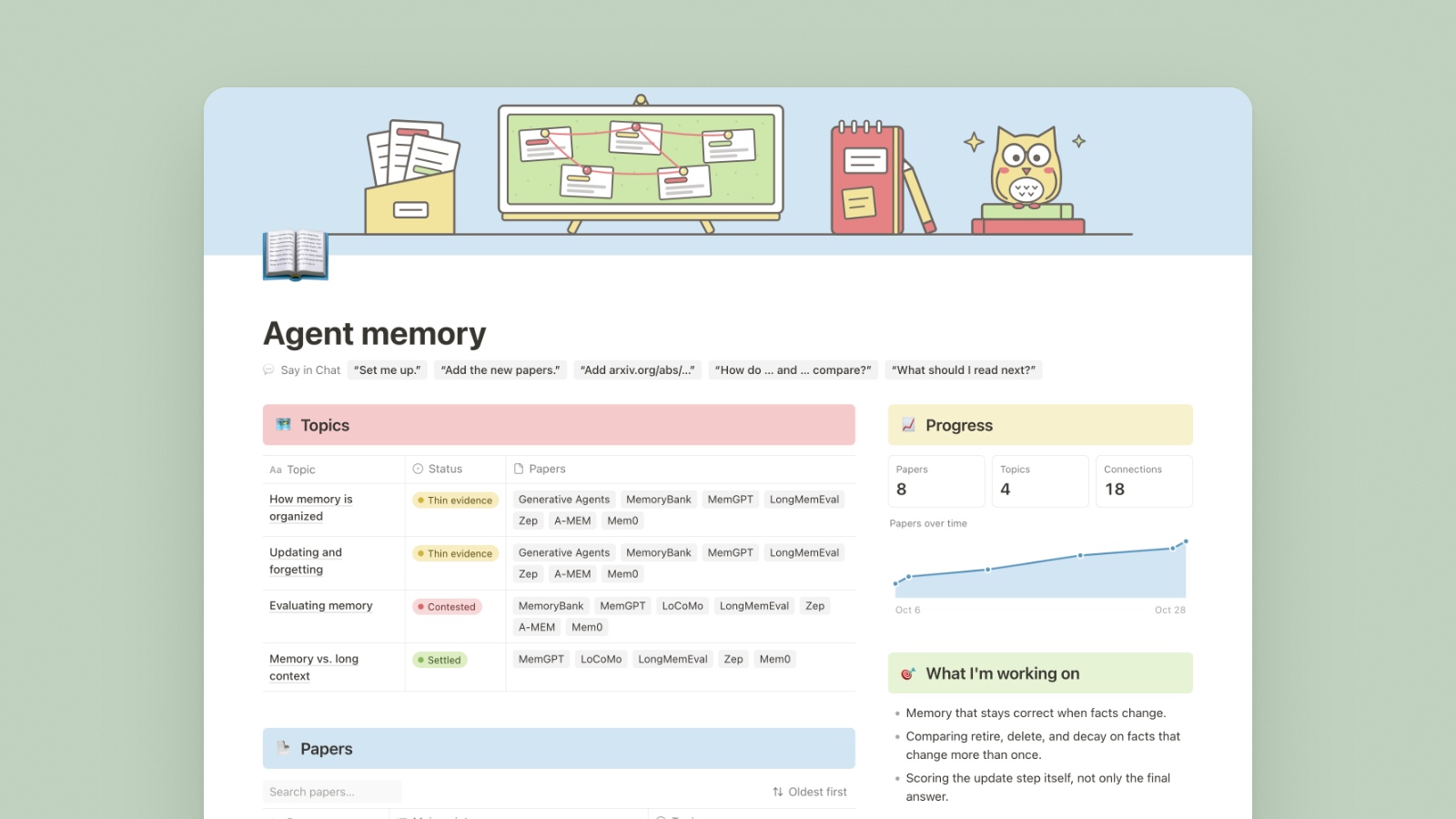
Turn the papers in your research area into a wiki, following Andrej Karpathy's LLM Wiki idea. For grad students and researchers who read a lot of papers in one area and want to see how they fit together.
1. Set up: say "Set me up." and answer four quick questions about your area, your current work, and the papers you have. It builds a wiki from your papers.
2. Add papers: drop PDFs into the library folder and say "Add the new papers.", or paste a link: "Add arxiv.org/abs/…". Each paper gets its own page, its connections to the others, and a place in the topic pages: who builds on whom, which results can be compared, where they disagree.
3. Ask: "How do … and … compare?" The answer comes from the wiki, with sources. What you settle is kept: findings about the papers go back into the wiki, and your own ideas and drafts, like a related work section, go into your notes.
4. Check: say "Check the wiki." every so often. It fixes conflicts and missing connections, and suggests the papers to add next.
A dashboard shows your topics and how settled each one is, every paper with its main point and connections, what you're working on, and how the wiki has grown.